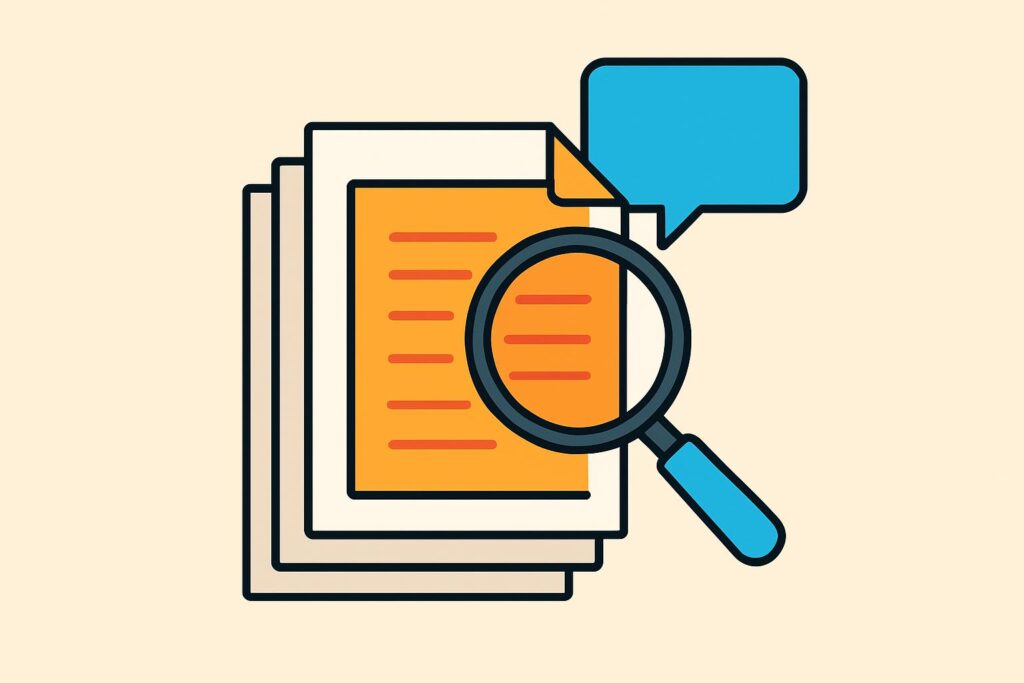
What is RAG in AI? RAG (retrieval-augmented generation) is a technique in which an AI application first retrieves relevant passages from your own collection of documents and only then has an LLM write the answer. That way the language model bases its answer on your handbook, case file or policy rather than only on its training data.
RAG solves three problems that every language model has: it lacks your own documents, its knowledge stops at the training date and its answer has no source you can check. Because the system searches first and writes second, the answer comes with that source.
It works in two phases. In advance, the system splits documents into chunks and makes them searchable; with each question, it retrieves the best-matching chunks and adds them to the prompt.
RAG reduces the risk of made-up answers, but does not eliminate it. To know what to expect from a RAG application, it also helps to understand how it differs from MCP and what variants such as GraphRAG and agentic RAG do.
What does RAG stand for in AI?
RAG stands for retrieval-augmented generation: generating text (generation), supplemented (augmented) with information that was retrieved first (retrieval). A language model with RAG therefore does not write from memory, but from the passages it has been given.
The term comes from a paper by Patrick Lewis and colleagues at Facebook AI Research, University College London and New York University. Lewis et al. published the paper on arXiv in May 2020; it appeared in the NeurIPS proceedings later that year.
Lewis and his co-authors describe RAG as a combination of two kinds of memory: the knowledge stored in the model itself and a searchable index of documents. You can replace that index without retraining the model.
What problem does RAG solve?
RAG solves the problem that a language model only works with what was in its training data. Your work instructions, client files and this week’s developments are not in there.
That leads to three problems: the model lacks your own knowledge, its knowledge goes out of date and its answer has no source you can check. In 2020, Lewis et al. explicitly named showing provenance and updating knowledge as open problems for language models.
A model without a source fills gaps with text that sounds plausible. This kind of AI hallucination happens less often once the model works with retrieved passages, because the answer is then tied to a specific piece of text.
How does RAG work?
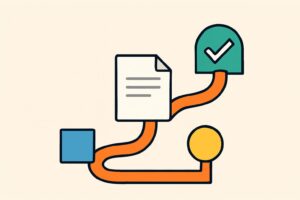
RAG works in two phases: first you make the documents searchable, then with each question the system retrieves the matching chunks and has the language model answer. Together these steps are called a RAG pipeline, with a retriever that searches and a generator that writes.
What happens to your documents in advance?
In advance, the system prepares your documents in three steps. First it splits each document into shorter pieces; this is called chunking. A forty-page contract becomes a series of passages of a few paragraphs each.
Next, an embedding model converts each chunk into an embedding: a long series of numbers that captures its meaning. Passages on the same topic get similar numbers, even when they use different words. The embeddings go into a vector database, which searches quickly by meaning.
What is in that database determines what RAG finds. Outdated versions, duplicate files and unreadable scans end up in the answer all the same. Cleaned-up source files are therefore the first step in AI data readiness, before a firm even starts with RAG.
What happens when you ask a question?
When you ask a question, RAG first converts your question into an embedding as well. The vector database returns the passages closest in meaning to the question, usually a handful of chunks.
Those passages go into the prompt together with your question, with the instruction to answer only on the basis of that text. The language model then writes the answer and, when the application asks for it, refers to the chunks it drew on.
That source reference is the checkpoint. An employee opens the cited passage and checks whether the answer really is in it, before it goes to a client.
What are examples of RAG at work?
You use RAG at work wherever the answer is already in your own documents, but finding it takes time. Four uses come up often:
- Internal knowledge base: answering questions about the quality manual, work instructions or leave policy with a reference to the right section.
- Case file questions: finding out from a large client file which agreements were made about a deadline or an amount.
- Professional literature: searching professional rules, guidelines and your own advisory memos for one specific question.
- Customer questions: drafting a reply based on your own terms and conditions and price list.
I apply the same principle on zzpgeldzaken.nl, a Dutch site about freelancers’ finances: the figures there are not in the text but in a database I set up with AI. The facts come from a source I manage myself; the model only writes the text around them.
That database contained a lot of errors at first, which meant calculations on the site were wrong. A source of your own makes answers traceable, not automatically correct.
What are the limitations of RAG?
RAG has four limitations to weigh before you rely on the output. The first: even with RAG, a model still produces incorrect answers.
In May 2024, Magesh et al. tested the legal research tools from LexisNexis and Thomson Reuters, which are based on RAG. According to that study, those tools hallucinated in 17 to 33 per cent of cases.
The second limitation lies in retrieval: if the retriever picks the wrong chunk, the model answers convincingly on the basis of the wrong text. The third: language models make less use of information in the middle of a long context than at the beginning or end, as research by Liu et al. showed in 2023.
The fourth is organisational. An index of all case files will also show an employee passages from files they have no access to. Permissions per folder or file in the RAG application prevent that.
What is the difference between RAG and MCP?
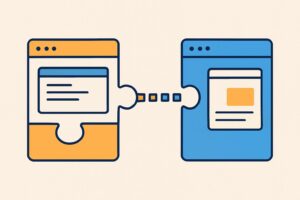
RAG and MCP each solve a different problem: RAG is a technique for finding the right pieces of text, MCP is a standard for connecting systems. Through MCP, the Model Context Protocol, an AI application connects to files, databases and tools in one standard way.
According to the MCP documentation, the application itself decides what to do with the connected data, for example selecting the relevant parts by searching with embeddings. That search step is exactly what RAG does.
So the two are not mutually exclusive. MCP provides the connection to a document management system, RAG decides which passages from that system go into the prompt.
What is GraphRAG?
GraphRAG is a variant of RAG that Microsoft Research published in April 2024 (Edge et al.). A language model first builds a knowledge graph: a network of entities such as people, organisations and topics, with a summary for each group of related entities.
GraphRAG is designed for questions about an entire collection, where standard RAG is weak. One example is the question of which themes recur in all of this year’s complaint files; standard RAG retrieves a handful of passages for that and misses the overview.
Microsoft released GraphRAG as open source. During indexing, the language model processes all the text in advance, and its own documentation warns that this step is expensive.
What is agentic RAG?
Agentic RAG is RAG in which an AI agent steers the retrieval: the agent decides what to search for, assesses the results and searches again if needed.
The term has no fixed definition. A survey by Singh et al. from January 2025 describes agentic RAG as autonomous agents in the retrieval step, so that the system adapts to questions that require several steps.
More steps means more places where things go wrong. With agentic RAG, the source reference in the final answer therefore matters even more than with standard RAG.
Is RAG the same as fine-tuning?
No, RAG is different from fine-tuning. With RAG the model stays unchanged and receives extra text with each question; with fine-tuning you adjust the model weights through additional training.
For knowledge that changes often, such as case files and policy, RAG is a better fit, because you can replace a document without retraining.
Do your documents stay confidential with RAG?
RAG does not train the model on your documents, but the retrieved passages are sent to the service that runs the model. What happens to that text there depends on the provider, the account type and your agreements with the processor.
For personal data, the GDPR applies: processing requires a legal basis and agreements with the processor. You should also record which folders go into the index and who gets to see which passages.
Is RAG still needed with long context windows?
Yes, RAG is still needed, because a larger context window does not solve two problems. An office archive is many times larger than what fits in one prompt, and models make less use of information in the middle of a long context (Liu et al., 2023).
Retrieval limits the prompt to the chunks that matter. That keeps the answer traceable to a few specific passages.
Frequently asked questions about RAG
Beyond how RAG itself works, there are questions about ready-made applications and about ways to make retrieval more accurate.
Can you use RAG without building a system yourself?
Yes, you can use RAG without building anything yourself, through ready-made features in AI tools, such as Projects in Claude. According to Anthropic, once the knowledge in a project approaches the limit of the context window, Claude automatically switches to RAG, which lets a project hold up to ten times more content. You do not need to set anything up, and an indicator shows that the project is using RAG. The feature is included in the paid Pro, Max, Ultra, Team and Enterprise plans.
What is contextual retrieval in RAG?
Contextual retrieval is an improvement to the search step in RAG that Anthropic described in September 2024. Before a chunk of text goes into the index, the system has a language model add a short explanation of its place in the document, both for the embeddings and for keyword search with BM25. In Anthropic’s tests, this cut the share of failed retrievals by 49 per cent, and by 67 per cent with an extra reranking of the results.
How do you learn to build an AI automation with your own documents?
You build an AI automation with your own documents step by step: one task, one type of document and one check. In the AI Automation Course, you send PDFs through the Claude API and have Claude answer with source references.
You finish with a workflow of your own that includes a check, tested on your own examples. That way you learn to have AI answer from your own documents, with a source you check yourself.