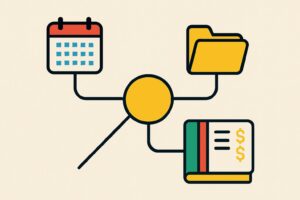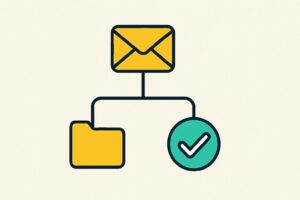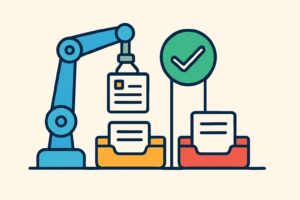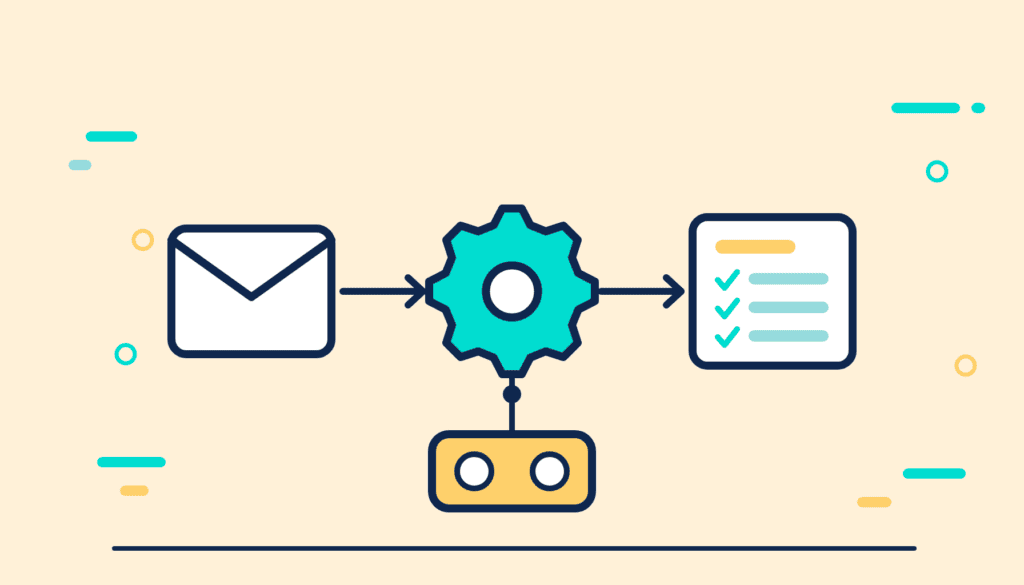
AI workflow automation means a task no longer starts with a question you type into ChatGPT or Claude yourself. It starts on its own: with an incoming email, a new document in a folder or a set time. A workflow sets out the steps, integrations connect your software to a language model, and an AI agent selects the next step itself when the work varies.
For an office, the value lies mainly in preparatory work, such as sorting emails, transferring data or preparing a draft. Anything an automation sends out or records for good is approved by an employee. At the bottom of this page you will find all published articles in the automation cluster, one of the sections of the AI knowledge base.
What is AI workflow automation?
AI workflow automation means setting up a work process in which a language model carries out one or more steps without anyone writing a prompt each time. The model receives a fixed instruction and processes every new input in the same way.
Classic automation has existed for decades and works with fixed rules: an email with an invoice attached always goes to the same folder. The difference between AI and automation lies in what happens with input that does not fit the rules. A rule stops or does the wrong thing, whereas a language model interprets the free text and still produces an outcome. That makes AI useful for emails, notes and documents that look different every time, and less suitable for tasks where a fixed rule is enough.
Many good solutions combine both: fixed rules for the standard case, a language model for the exception or the free text.
How do workflows, integrations and agents work?
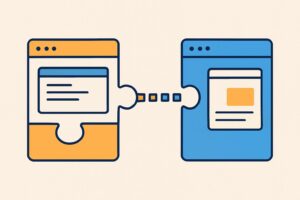
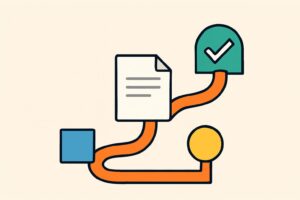
Workflows, integrations and agents are three layers of the same set-up. The workflow determines the order of the steps, the integration makes sure data moves between programs, and an agent selects the next step itself within that set-up.
Workflows with fixed steps
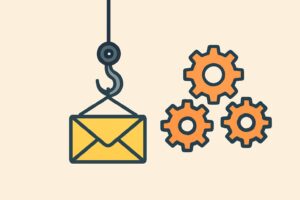
A workflow is a predefined series of steps that starts with a trigger, such as a notification via a webhook from another program. For example, a language model sorts an incoming client email by topic and urgency, after which a draft reply is ready for an employee. Tools such as Zapier, Make, n8n and Power Automate build these workflows without code, with a language model as one of the steps.
Integrations via API and MCP
An integration connects your email, document folder or accounting software to a language model, usually through an API. A growing number of AI applications also use MCP (Model Context Protocol), an open standard originally from Anthropic. It lets a model call other software without a separate integration for each combination. If a model needs to answer from your own documents, you use RAG, where the system first retrieves the relevant passages. A process can only be automated if the source system has such an integration or an export option; without one, you are back to retyping.
AI agents
Where a workflow follows a fixed path, AI agents select which steps are needed to reach a goal and carry them out in the programs they have access to. That works for tasks that cannot be captured in fixed rules, but it also makes the outcome less predictable. An agent makes the same mistakes as the language model it runs on, with the difference that it also acts on them.
Which tasks suit AI workflow automation?
Tasks that suit automation with AI recur often, start from digital input and end in a draft that someone still reviews. Sorting emails and preparing a reply, summarising documents, transferring data from a PDF and collecting documents for a file usually meet those conditions.
Less suitable are tasks in which a calculation error has a direct knock-on effect. I find automating formulas and calculations through an AI model error-prone; texts are easier to automate. On zzpgeldzaken.nl, a Dutch site of my own on freelancers’ finances, the database I had set up with AI contained many errors, so calculations and comparisons on the site were wrong. For calculations, a fixed formula in the software is more reliable than a language model.
Do not choose the task based on what is easiest to automate, but on where the process gets stuck. With AI process optimisation, you therefore start at the bottleneck in a work process, and only then ask which step AI can take over.
Where does the check belong in an automation?
The check in an automation belongs before every action that leaves the office or cannot be undone, such as sending, paying or recording something for good. The automation prepares; an employee decides.
Not every step needs the same check. An automation that organises internal notes has a different risk profile from one that answers client emails, and the check should match it. In my own work, a test run on a small sample before I start a bulk process catches most problems before they cause any harm.
Also record which data the automation sees. A workflow that reads client emails processes personal data, and then the GDPR applies, along with the agreements with the vendor of every tool in the chain. For an automation that systematically processes personal data, a DPIA is the obvious step.
Build it yourself or have it built?
You can build a simple workflow yourself with a no-code tool, such as sorting emails and preparing a draft. Once a process touches several systems, works with files or client data, or serves a whole team, setting up permissions, logging and checks matters more than the build itself.
If you want to learn this yourself, the AI Automation Course has you build an automation with Claude for recurring work from your own practice. You can do it with or without code, and with a check before the output goes any further.