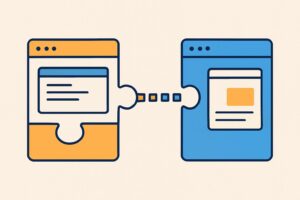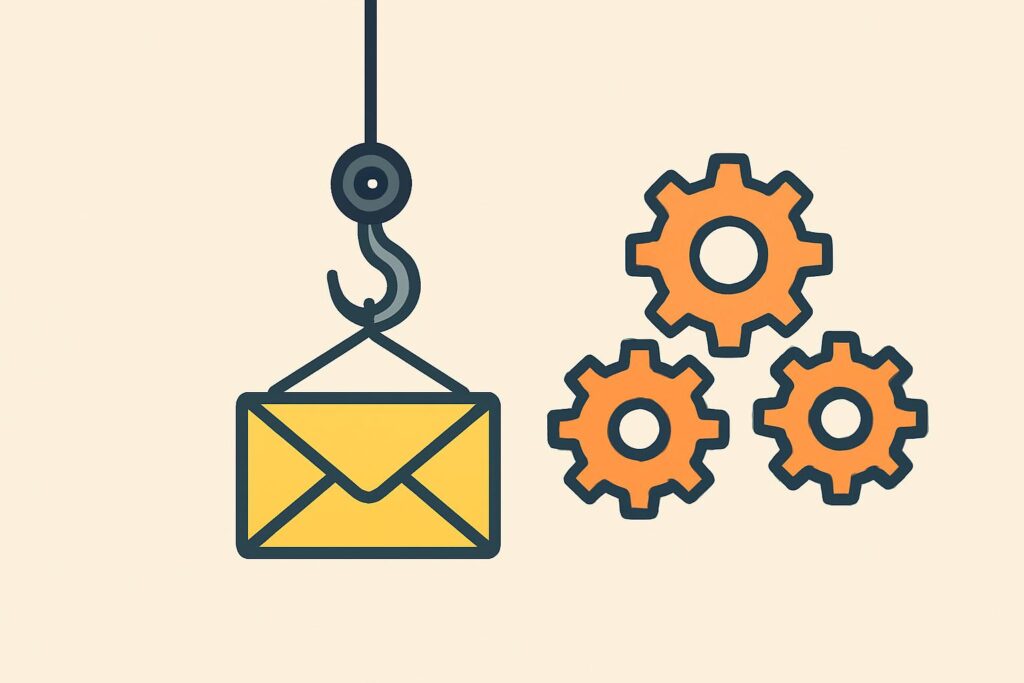
What is a webhook? A webhook is an automatic message that a system sends to a preset web address as soon as something happens, such as a completed form or a paid invoice. That makes a webhook the reverse of a request to an API: your software does not ask, the other system gets in touch.
Technically, it is an HTTP message with data, usually in JSON, that arrives at a URL created by your automation tool.
No-code tools such as Zapier, Make, n8n and Power Automate use webhooks as the starting point of an automation. Each tool has its own conditions, such as a paid plan with Zapier.
Anyone who knows the webhook URL can send messages to it if it is not secured. Security, testing and catching failed messages therefore determine whether an automation runs reliably.
What does webhook mean?
A webhook is an automatic notification from one system to another, sent to a fixed web address at the moment something happens. The name combines web with hook: a fixed point on which you hang an action of your own.
A webhook is not a program and not a separate service, but an agreement between two systems: when a certain event occurs, system A sends a message to an address belonging to system B.
How does a webhook work?
A webhook works in four steps. First, in the source system, you register the URL that messages should go to. Then you choose the event that triggers a message, for example a completed contact form.
In the third step, the source system sends an HTTP message to the URL when that event occurs, usually a POST. It contains the payload: the event data, usually in JSON, such as name, email address and the message that was entered.
In the fourth step, the receiver confirms receipt with a status code in the 200 range. If that confirmation does not arrive, the message counts as failed and the sender often tries again later.
What is the difference between a webhook and an API?
A webhook and an API differ in who takes the initiative: an API waits for your request, a webhook sends a message itself as soon as something changes.
Without a webhook, an automation asks the API at fixed intervals whether there is anything new, for example every fifteen minutes. That approach is called polling and uses many requests that return nothing.
Polling uses many requests that return nothing; a webhook only sends when there is an event.
The table compares the two approaches on three points.
| Point | API with polling | Webhook |
|---|---|---|
| Initiative | Your software asks | Source system gets in touch |
| When the data arrives | At the next request | Immediately after the event |
| Number of requests | At every interval, even without a change | Only when an event occurs |
A webhook does not replace the API. After a notification, an automation often still fetches extra data through the API when the payload only contains the core details.
What are webhooks used for? Examples at work
At work, you use a webhook wherever an event in one system should immediately start an action in another:
- Contact form: a new enquiry on the website goes straight into the CRM as a lead, with a notification to the right employee.
- Signed document: a signed engagement letter is automatically saved in the right client file.
- Paid invoice: a payment sets the status in the accounts to paid and stops the reminders.
- New appointment: a booked appointment appears in the schedule, with the client’s details attached.
- Incoming file: a new document in a folder goes to an AI model that summarises it.
Chains like these are the practical side of automation with AI in an office: the webhook gives the starting signal, the rest of the chain does the work.
How do you use a webhook in a no-code tool?
You use a webhook in a no-code tool by letting the tool create a URL and pasting that URL into the source system. From then on, every incoming message starts the automation in the tool.
How does a webhook work in Zapier?
A webhook in Zapier works through the Webhooks by Zapier app, which Zapier itself describes as a premium app. It is only available on a paid plan or during a trial.
Besides receiving messages, Webhooks by Zapier can also send requests, with the GET, POST and PUT methods and a Custom Request for other methods.
How does a webhook work in Make?
A webhook in Make works with the Webhooks app and the Custom webhook module, after which Make creates a URL. An incoming message starts the scenario immediately, as an instant trigger, unless you schedule the processing.
Each webhook has its own queue of up to 10,000 messages, depending on your credits, and Make processes up to 300 requests per 10 seconds. Make automatically disables a webhook that has not been attached to any scenario for more than five days.
How does a webhook work in n8n?
A webhook in n8n works with the Webhook node, a trigger with two addresses: a test URL and a production URL. The test URL listens as soon as you choose Listen for Test Event. The production URL only works once you publish the workflow.
If you want, you can set the node to require authentication via Basic, Header or JWT, and an IP allowlist lets through only requests from specified addresses.
How does a webhook work in Power Automate?
A webhook in Power Automate works with the trigger When an HTTP request is received, which creates a URL after you save the flow.
For that trigger you choose who has access: anyone in your tenant (the default), specific users in your tenant, or anyone with the URL. The last option is an older setting without extra authentication. Microsoft is still rolling out the choice, so not every environment shows it.
How do you test a webhook?
You test a webhook by sending a real test event and looking at which data comes in. In n8n you catch such a message with the test URL, without the published workflow running.
Use fictitious data rather than real client details for every test, and check that each field from the payload ends up in the right place in the target system. Then also test what happens with an empty field or a duplicate message.
How do you secure a webhook?
You secure a webhook with five measures, because anyone who knows the URL can send messages to it:
- Treat the webhook URL as a secret and never put it in emails, chats or shared documents.
- Require authentication on the receiving side, such as the authentication options in n8n or the tenant setting in Power Automate.
- Verify a signature: according to the Standard Webhooks specification, the sender signs each message with HMAC-SHA256, including a timestamp to prevent replayed messages.
- Use HTTPS only, so the payload travels across the internet encrypted.
- Replace a leaked URL immediately. In Power Automate, you do this by regenerating the SAS key in the URL.
Standard Webhooks is an open set of guidelines, with people from Zapier, Twilio and Supabase among others on its technical steering committee.
What happens if a webhook fails?
If a webhook fails, the sender tries again or the message is lost. Which of the two depends on the provider.
The Standard Webhooks specification recommends resending failed messages over several days, with increasingly long waiting times. A response in the 200 range counts as successful, anything else as failed.
Repeated delivery also means the same message can arrive twice. A reliable automation therefore processes each message only once, based on its message ID.
In Make, the queue absorbs peaks, but Make rejects messages above the limit. If you see a full queue, increase your credits or spread the traffic across more webhooks.
Can every program send a webhook?
No, only programs that support webhooks send them. You can check this in the software’s documentation or settings. If the feature is missing, an automation asks the API at fixed intervals whether anything has changed.
That polling is slower, but in the end it delivers the same data.
What data does a webhook pass on?
A webhook passes on all the data the source system puts in the payload, often more fields than the automation uses. If that includes personal data, it goes to an external service, sometimes outside the EU.
Processing like this requires a legal basis and agreements with the processor. So only pass on the fields the automation actually uses.
Frequently asked questions about webhooks
You also come across webhooks outside no-code tools, for example in chat programs that show notifications from other systems in a channel.
What is the difference between a webhook and a websocket?
A webhook and a websocket differ in the connection: a webhook is a separate HTTP message per event, while a websocket keeps a connection open over which both sides send messages. According to Mozilla’s documentation, a websocket opens a two-way interactive session between the browser and a server, without the browser having to poll. A websocket therefore suits a continuous exchange of data, a webhook a connection that needs one notification per event.
How do you send a message to Microsoft Teams with a webhook?
You send a message to Microsoft Teams with a webhook through the Workflows app, using the trigger When a Teams webhook request is received. Microsoft retired the old Incoming Webhooks based on Office 365 Connectors in May 2026. You create a workflow, copy the URL and send a POST message in JSON to it. Messages larger than 28 KB return an error, and more than four requests per second are throttled.
How does an incoming webhook work in Slack?
An incoming webhook in Slack works through a Slack app in which you turn on incoming webhooks. Slack then creates a dedicated URL that posts JSON messages to one fixed channel. The channel, name and icon are set when you configure it, and you cannot change them per message. Slack itself calls the URL a secret and actively revokes leaked URLs.
How do you learn to use webhooks in Make and Zapier?
You learn to use webhooks in Make and Zapier on a real task from your own work. In the AI Automation Course you connect Claude without code via Make or Zapier, using three patterns: summarising, classifying and forwarding, and creating content.
In Make and Zapier, the webhook from this article is one of the triggers that starts an automation like this.