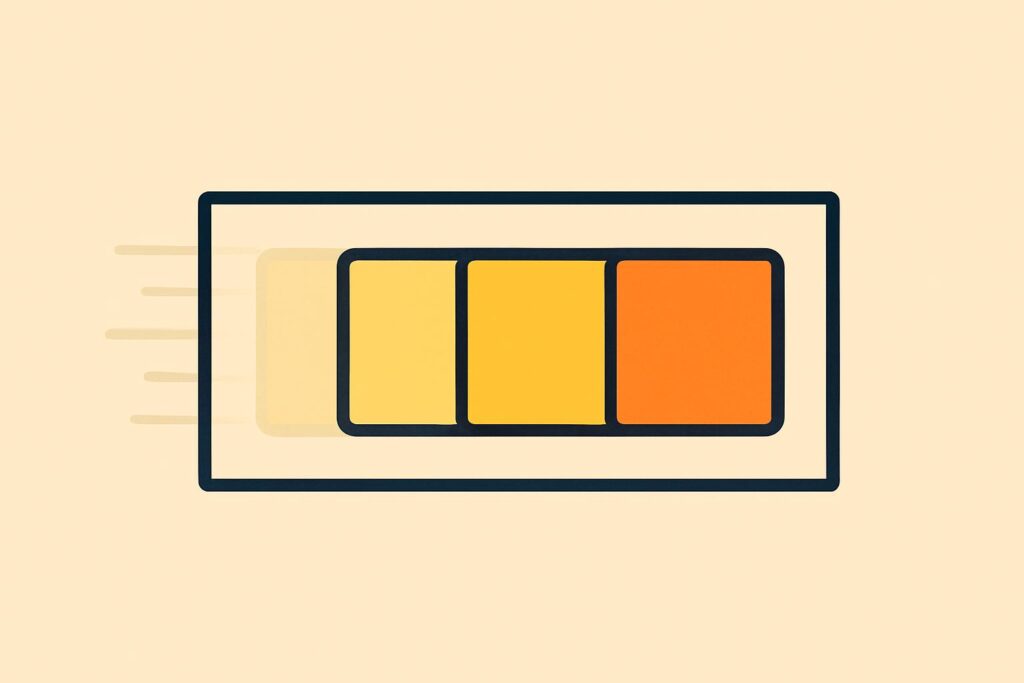
A context window is the limit on the amount of text an AI model takes into account at once: the short-term memory of a conversation. That limit explains why a chatbot loses track of earlier agreements halfway through a long conversation.
Every language model, or LLM, works with such a limit, and everything counts towards it: your messages, the answers, uploaded files and the instructions the tool adds itself. The size is measured in tokens.
As soon as a conversation grows larger than the context window, the oldest part drops out or is summarised. A larger window only partly solves this, because models are worse at finding information in long texts.
ChatGPT’s memory feature is separate from the context window and keeps information across conversations. With short, focused conversations and fixed instructions in a project, you keep the most important context within the window.
What is the context window of an LLM?
The context window of an LLM is the maximum amount of text a language model takes into account when producing one answer, including that answer itself. Anthropic describes it as all the text a language model refers to while generating an answer, the answer included.
Whatever falls outside the context window doesn’t exist for the model at that moment.
What counts towards the context window?
All the text the model processes for one answer counts towards the context window, and that is more than your last question. Five types of text take up space:
- Messages: every question and every addition you type in the conversation.
- Answers: all the model’s previous answers, plus the answer it is writing now.
- Files: uploaded documents and images, and the results of searches or other tools.
- System instructions: the fixed instructions the tool adds itself, plus your own instructions in a project.
- Memory: saved memories the tool adds to a conversation, when that feature is switched on.
In its documentation, Anthropic lists the system instructions, messages, images and documents as part of the window. On ChatGPT’s pricing page, OpenAI states that system instructions and memory take up part of the window, leaving less room for your input.
A context window is measured in tokens, the pieces of text a language model splits words into. A short, common word is often one token; a long or rare word consists of several tokens.
Why does AI forget what you said earlier in a conversation?
AI forgets what you said earlier in a conversation once the conversation grows larger than the context window: the oldest part then falls outside the window or is shortened. Anthropic states that chat interfaces such as claude.ai sometimes manage the context window on a first in, first out basis, where whatever came in first is the first to go.
On paid Claude plans with code execution switched on, Claude summarises older messages as the conversation approaches the limit. According to Anthropic, the full history is kept when this happens.
A summary is not a copy. Details from the start of a conversation, such as an exception in a contract or an agreed writing style, are not always still in the summarised version.
You see this in a long session on a set of annual accounts. A model then ignores an exception mentioned earlier, or explains an abbreviation that had already been agreed all over again.
Is a bigger context window always better?
No, a bigger context window is not always better, because a model’s accuracy decreases as more text sits in the window. Anthropic calls this phenomenon context rot: the more tokens, the worse the model gets at finding details.
In 2023, Nelson Liu and colleagues described a similar pattern in the study “Lost in the Middle”. Language models found information best at the beginning or end of a long text, and clearly worse in the middle.
More text in the window also requires more computing power: an answer takes longer and costs more via an API, because you pay per token there. A large context window is therefore space, not a guarantee that the model uses everything in that space equally well.
What is the difference between the context window and ChatGPT’s memory?
The context window applies within one conversation, whereas ChatGPT’s memory keeps information across conversations. OpenAI states that saved memories are stored separately from the chat history.
A memory, such as your job or your preference for short answers, ends up in the context window again in a new conversation and takes up space there. What ChatGPT memory keeps are individual facts about you. According to OpenAI, ChatGPT also uses information from earlier conversations, which it updates itself.
So a full analysis from last week will not appear word for word in a new conversation.
How do you stop AI losing important context from your conversation?
To stop AI losing important context from your conversation, keep conversations short and focused and put fixed information somewhere it won’t drop out. Four habits help:
- Limit each conversation to one topic or one case, so the window doesn’t fill up with information that doesn’t matter.
- Halfway through, ask for a summary of what has been agreed and start a new conversation with that summary.
- Put the most important instruction at the beginning or end of a long message, not in the middle.
- Store fixed instructions and background documents in a project, so you don’t have to paste them into every conversation again.
The quality of what you provide matters as much as the quantity: giving AI good context means supplying only the parts that are relevant to that one question.
Does the context window differ by AI model?
Yes, the context window differs by AI model, even within ChatGPT, Claude and Gemini, and the makers adjust the size with new model versions. Anthropic’s current window for each model is listed in the overview of Claude models, while OpenAI and Google publish the size for each model in their own documentation.
Does the context window differ by plan?
Yes, with ChatGPT and Claude the context window also depends on your plan. On ChatGPT’s pricing page, OpenAI lists a separate total context window for each plan.
In its help article, Anthropic links the size of the window to the chosen model and to a paid plan.
Does an uploaded document count towards the context window?
Yes, an uploaded document counts towards the context window as soon as the model processes its text. According to Anthropic, documents and images in a message fall within the window, just like your own text.
A long report therefore takes up a large part of the window, even before your first question. With a large document, ask specifically about one chapter or topic at a time.
Frequently asked questions about the context window
Besides forgetting earlier messages, the context window also raises questions about its size and about what happens when you go over the limit.
How much text fits in a context window?
You work out how much text fits in a context window using tokens: according to OpenAI, in English 1 token is about 4 characters, and 100 tokens equal about 75 words. For languages other than English, the number of tokens per character is often higher, according to OpenAI. So a window of the same size holds fewer words in, for example, Dutch or German than in English.
What happens if you exceed the context window via the API?
If your input via the Claude API exceeds the context window, according to Anthropic the API returns a 400 error because the prompt is too long. If the input does fit but the answer runs into the limit, on Claude 4.5 and newer models, the answer stops with the stop reason model_context_window_exceeded. Older models, which already gave a validation error as soon as the input plus the maximum number of output tokens exceeded the window, have been retired; all active API models are Claude 4.5 or newer as of November 2026.
What happens if project knowledge in Claude grows larger than the context window?
When project knowledge in Claude approaches the limit of the context window, Claude automatically switches to RAG and looks up the relevant parts of your documents instead of loading everything at once. According to Anthropic, this increases a project’s capacity by up to ten times, and you see an indicator that the project is using RAG. The feature works on Pro, Max, Ultra, Team and Enterprise, and switches back as soon as the project knowledge drops below the limit again.
Where can you learn to work with the limits of AI tools?
You learn to work with the limits of AI tools, such as the context window, by recognising them in your own work. You then notice the short-term memory of a conversation, the tokens that count and the moment when a new conversation works better.
LearnLLM covers those limits in the AI Literacy Course, with practical assignments on your own documents, finishing with a certificate of completion.